































Bursts, grouped for you.
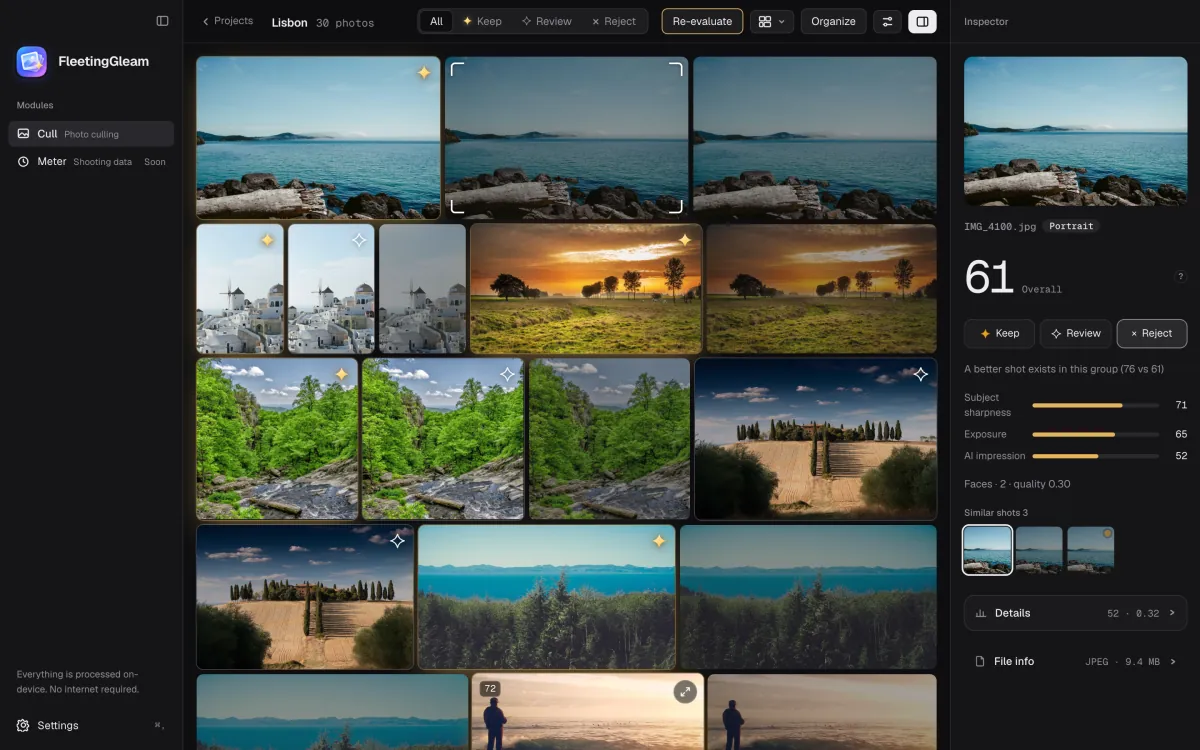
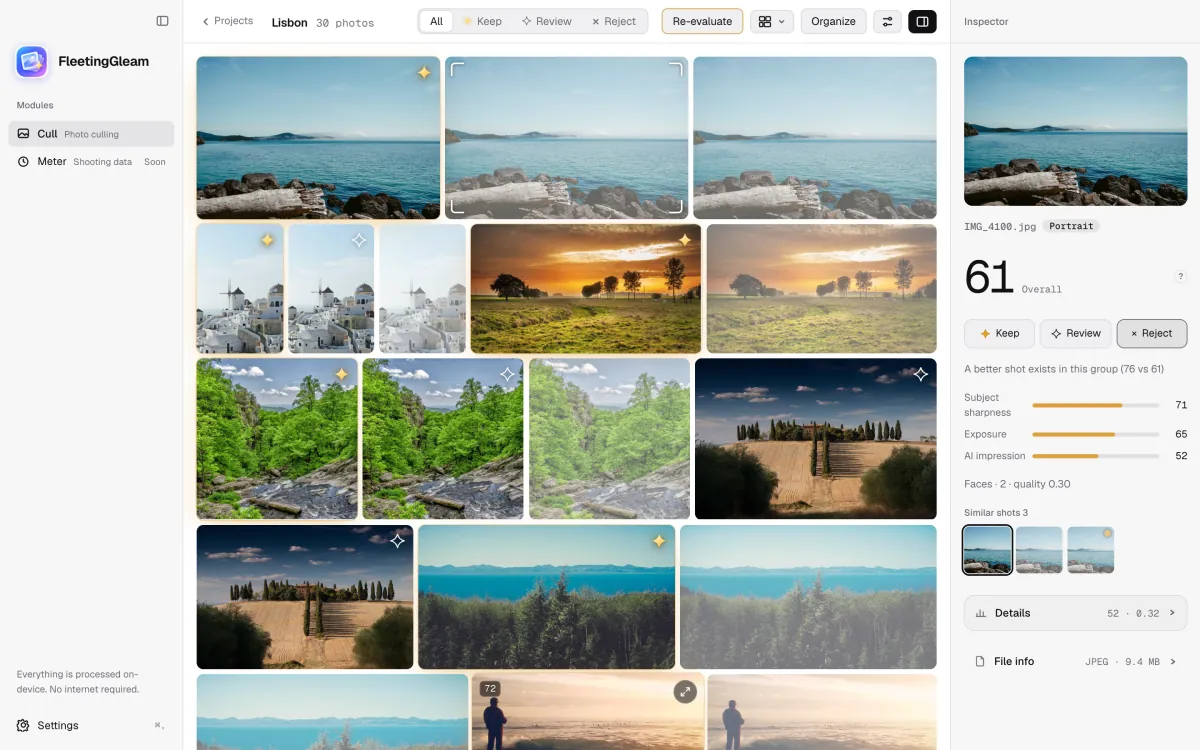
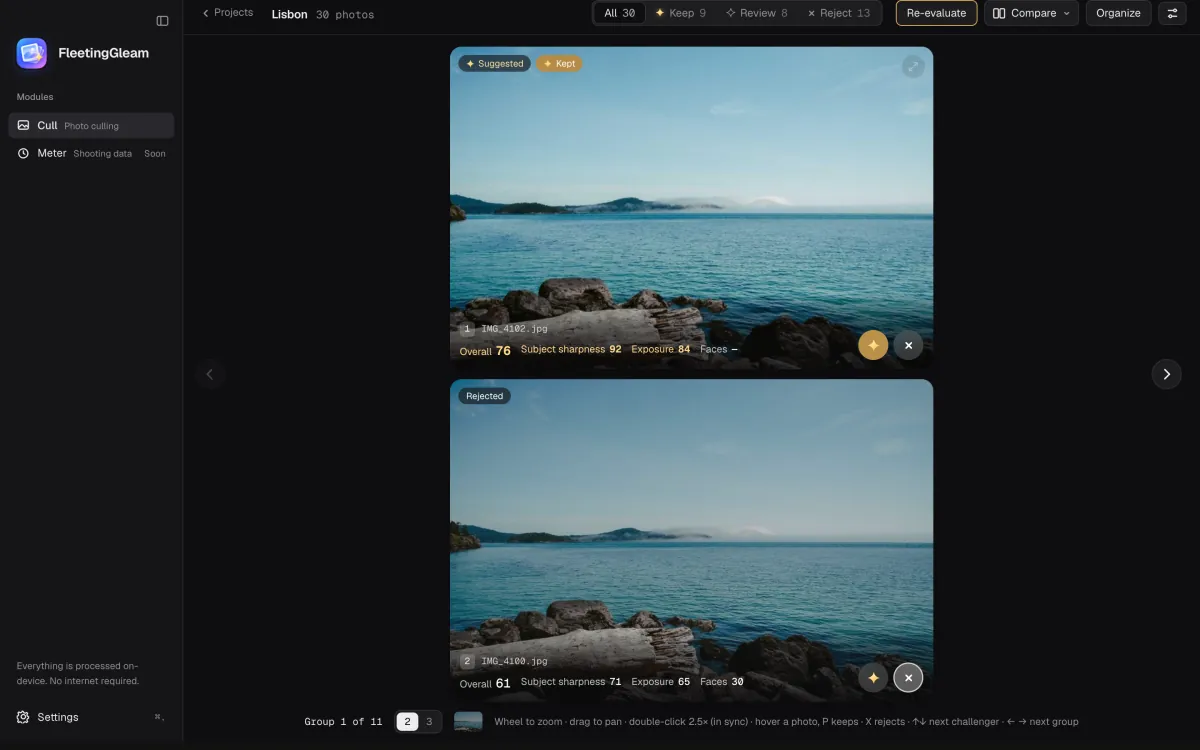
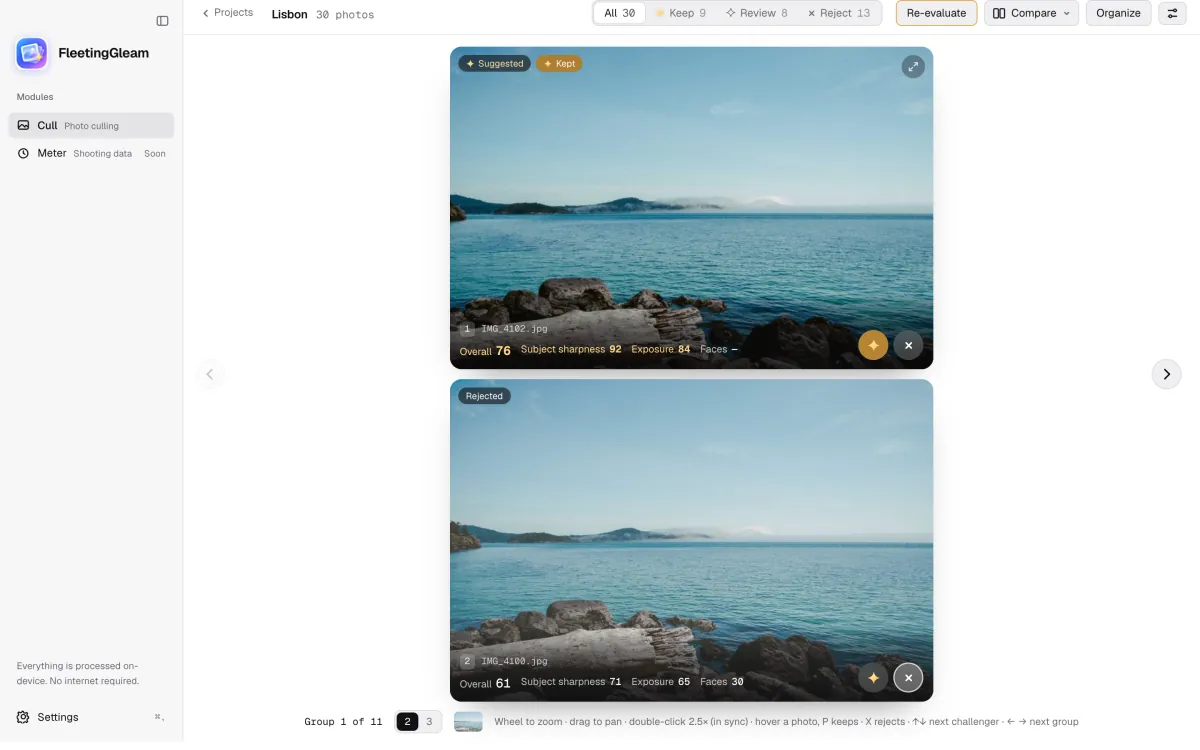
Frames of one moment sit together and the best one is marked. Faces, orientation and time gap all count.
 FleetingGleam
FreeOpen source · Mac & Android · on-device
FleetingGleam is a photo culling app for Mac and Android. It groups your bursts, picks the best frame in each, and shows you why. All on your own device, nothing uploaded.
0 frames from one weekend · sample
Sample photos
Privacy
Your photos stay on your own devices. Analysis, search and learning your taste all run on your Mac or phone. Models download once, only when needed.
What it does
Frames of one moment sit together and the best one is marked. Faces, orientation and time gap all count.
Fourteen kinds of scene, each weighed differently. One standard is not laid over every photo.
Type what you remember. English and Chinese both work, and photos are found by what is in them. Try it here.
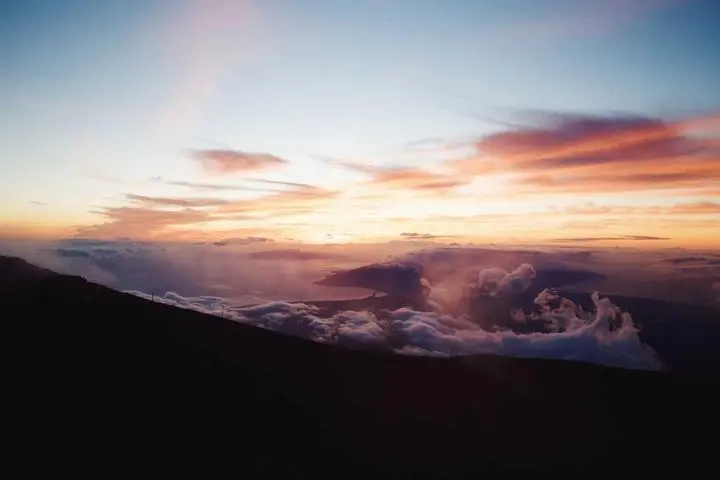


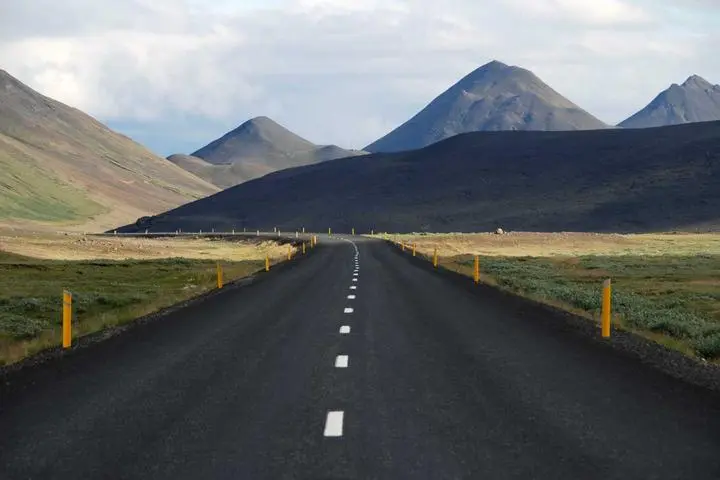
Compare frames of one moment up close, and see where each score comes from.
For working photographers
Shoot RAW + JPG, rate from the keyboard, and carry the result into Lightroom or Bridge. Nothing here is hidden from everyone else; it only shows up when a shoot needs it.
Same-name pairs count as one photo. The JPG is analysed, the RAW follows it: kept together, exported together, moved together.
Stars and colour labels go into the RAW's .xmp sidecar or the JPEG's own metadata. Pixels untouched, and the whole write can be undone.
Press 1 to 5 on any photo. Filter by stars, and they travel with the write-back ahead of the app's score.
P / R / X by default, Z / C / X for the left hand, or change any key. Press ? for the full list.
The preview the camera wrote into the RAW opens at once; the real pixels are decoded only when you zoom in.
The title counts what you have reviewed, a decision moves you to the next photo, and a filter shows what is left.
It can tell you which frame is technically stronger. A good photograph is sometimes imperfect, like a sleeping child with closed eyes, so the decision stays yours.
Download it for your Mac or Android phone, or read the source on GitHub. Your photos never leave your devices.
Apple Silicon (M1 or later) · macOS 15 or later
Download for macOSNot notarized by Apple yet. Before the first launch, run this once in Terminal:
xattr -cr /Android 12 or later · 64-bit ARM phone
Download for AndroidNot in an app store. After the download, allow your browser to install apps when Android asks.
Once it is installed